


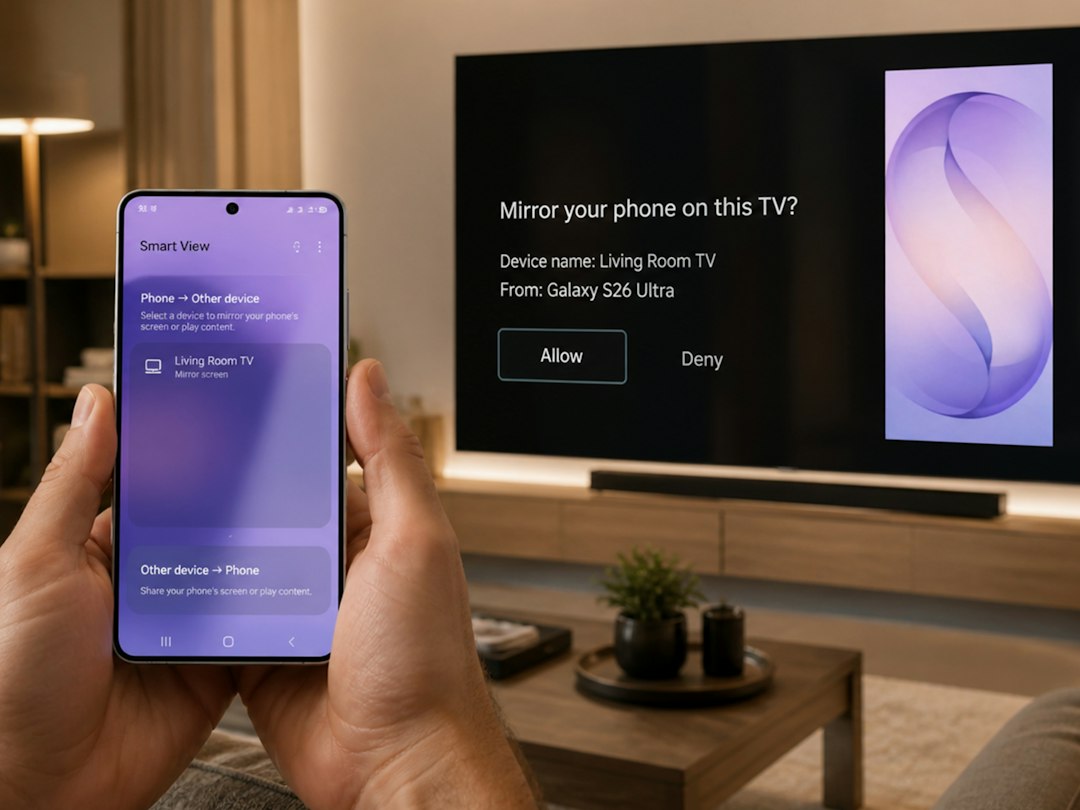
You come home carrying groceries, your phone buzzes and the lights come on, the thermostat nudges itself a degree warmer and the front-cam notifies you that a delivery has arrived. That small, frictionless chain of events is what people mean when they say “smart home.” If you’re starting from scratch, the smartest first moves aren’t the fanciest devices but the ones that reduce small daily frictions and work reliably together.
What “smart home gadgets” really solve for beginners
At its simplest, smart home gadgets automate repeated small tasks, improve convenience and add safety. Common wins are:
- Hands-free control (voice or app) for lights and music.
- Remote monitoring (security cameras, doorbells) so you can check the house from anywhere.
- Scheduled or adaptive comfort (smart thermostats) that trim waste and keep comfort consistent.
- Power control (smart plugs) to turn devices on/off without rewiring.
Pick devices that address one of these real needs rather than buying tech for its novelty.
Where to start — three clear starter setups depending on your priority
Choose one of these focused setups rather than trying to automate everything at once.
1. Convenience-first: smart lights + smart speaker
Benefits: hands-free control, easy schedules, ambience changes. What to buy: a voice-capable smart speaker (or smart display) and smart bulbs or smart switches. Smart bulbs are simplest—screw them in and pair them—while smart switches are better when multiple fixtures share a single wall control.
2. Security-first: video doorbell + indoor camera
Benefits: see visitors, record deliveries, get motion alerts. A wired video doorbell gives steady power and continuous connection; battery models are easier to install but need periodic charging. Add a single indoor camera in a high-traffic area if you want live check-ins.
3. Efficiency-first: smart plug + smart thermostat
Benefits: control high-energy devices and automate heating/cooling. Use smart plugs to schedule lamps, space heaters or humidifiers. A smart thermostat can learn patterns and reduce energy waste, but confirm HVAC compatibility before buying.
Compatibility and ecosystems — how to avoid device chaos
Ask three questions before buying: Which voice assistant (if any) will I use? Does the device support Wi‑Fi or only a hub protocol like Zigbee/Z‑Wave? Will it integrate with my phone apps? Mixing devices across ecosystems is possible but grows friction.
- If you already use Amazon Echo or Google Assistant, prefer devices explicitly labeled “Works with” that assistant.
- For many simple needs, Wi‑Fi devices are easiest—no extra hub required—but hubs can reduce local Wi‑Fi load and improve reliability for many devices.
- Check the manufacturer’s app reviews—updates and customer support are as important as spec sheets.
Installation basics you can do without hiring a pro
Most beginners can set up smart bulbs, smart plugs and battery-powered cameras. Follow these rules:
- Read the quick-start and do firmware updates immediately after pairing.
- Use a separate 2.4 GHz network for older IoT devices if your router supports guest or IoT SSIDs—many gadgets only support 2.4 GHz.
- Label devices in the app with clear names (Kitchen Lamp, Front Door Cam) to avoid voice-command confusion.
- For wired doorbells, turn off breaker power before working; if unsure, hire a qualified electrician.
Privacy and security — simple checks that matter
Connected devices can expose data. Do these four things:
- Change default device passwords and use a strong, unique passphrase for the account tied to your devices.
- Enable two-factor authentication on the vendor account when available.
- Place cameras thoughtfully—avoid pointing them at neighbors’ windows or private areas—and review sharing/clip settings.
- Keep device firmware up to date; many vendors patch security issues through updates.
How much should you budget and where to save
Entry-level smart bulbs, plugs and basic smart speakers are low-cost and give immediate returns on convenience; expect to spend modestly for reliable brands. Prioritize spending on devices you’ll use daily (thermostat, doorbell) and save on single-use novelty gadgets. If you want an easy, fun upgrade that’s budget-friendly, a set of smart bulbs and one voice speaker typically cost less than a single high-end thermostat.
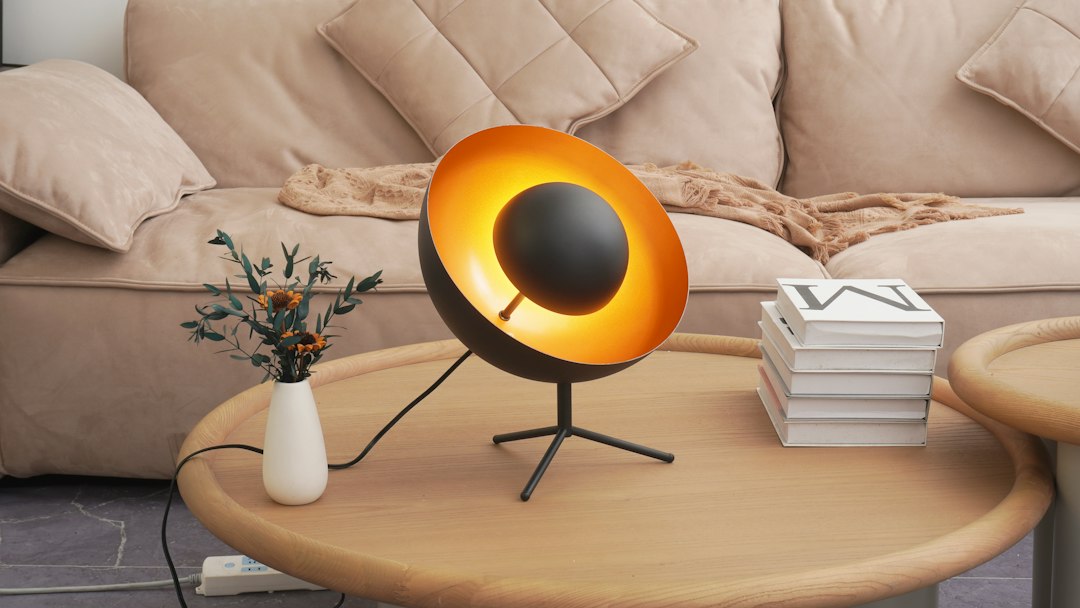
Why this suggestion: a small, affordable home accessory like a fun magnetic fridge decoration adds personality and can be an easy first “connected” accent in homes where you’re starting with visible, daily-use surfaces. It’s well matched for readers looking to combine low-cost accessories with practical smart upgrades.
Common beginner mistakes and how to avoid them
- Buying incompatible gear: check compatibility before checkout, not after.
- Over-automating: start with one routine (e.g., lights on at sunset) and expand after it proves useful.
- Ignoring maintenance: schedule time quarterly to update firmware and review device lists.
- Putting everything on a single weak Wi‑Fi band: consider upgrading the router if you see flaky connections.
- Pick a single need to solve (lighting, security, or comfort).
- Confirm voice or app ecosystem compatibility before buying.
- Create a separate IoT Wi‑Fi network or guest SSID if possible.
- Change default passwords and enable two-factor authentication.
- Label devices clearly in their apps and update firmware after setup.
Begin with one clear, useful device—smart bulbs and a speaker for convenience, a doorbell camera for security, or a smart plug/thermostat for efficiency. Verify compatibility, secure accounts, and expand deliberately based on what you actually use.
Do I need a hub for smart home gadgets?
Not always. Many devices work over Wi‑Fi, but a hub (Zigbee/Z‑Wave) can improve reliability and allow devices from different brands to interoperate locally.
Which is better for beginners: smart bulbs or smart switches?
Smart bulbs are easier for single lamps; smart switches are better when multiple fixtures share one wall control or when you want physical switch functionality for all users.
How do I keep my smart cameras private?
Use strong unique passwords, enable two-factor authentication, review sharing permissions, and position cameras to avoid private areas or neighbors’ property.
Can smart home devices save money on energy bills?
Yes—smart thermostats and well-scheduled plugs/bulbs can reduce waste, but savings depend on usage patterns and which devices you replace or automate.
What’s the easiest way to expand later?
Stick to one ecosystem at first (Google, Amazon, or Apple), keep consistent naming, and add devices that explicitly list support for that ecosystem to reduce setup friction.